Reliable video processing
at scale.
You send files + specs. I deliver finished outputs that match the spec - reliably. Big media is normal here: 200-300GB per file is typical, and 2-3TB batches are normal.
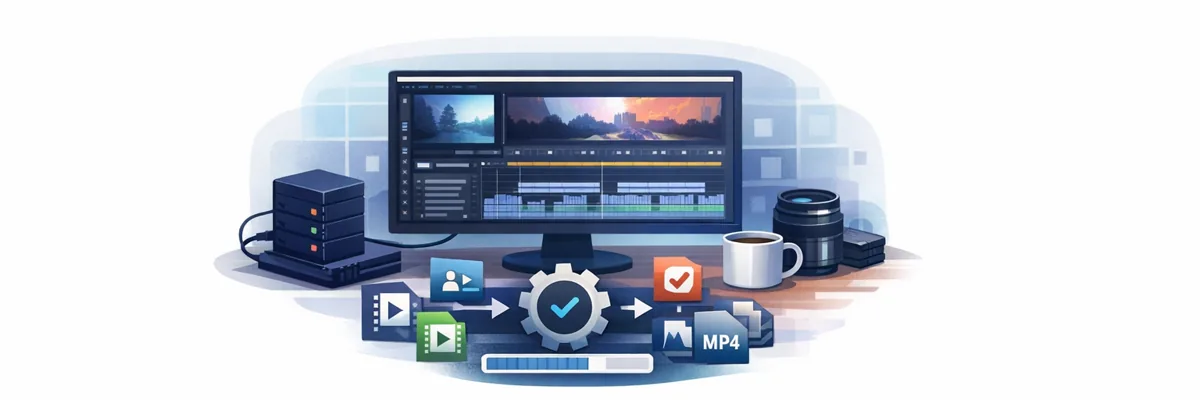
I enjoy turning messy, repetitive video work into something boringly reliable.
What clients hire me for

If it’s rules + deliverables, I am.
Services
I’m best when the work is repetitive, spec-driven, and needs to be done reliably at scale.
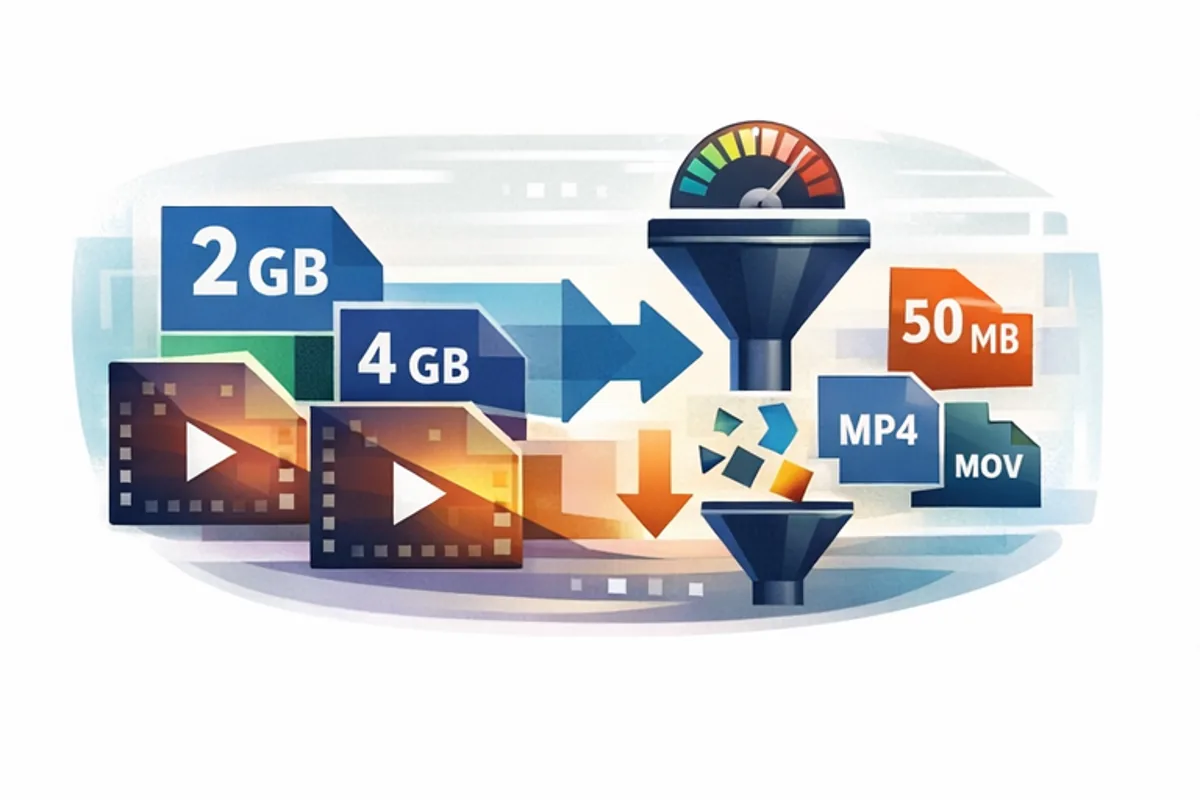
Compression (size targets)
Fast, quality-preserving compression so you can upload/share easily.
- Canva: compress to under 1GB
- TikTok Ads: compress to under 500MB
- Custom targets: under X MB (pricing depends on retries/iterations)
Format conversion (any → any)
MP4/MOV/MXF and pro formats like BRAW and DCP. Straight conversion, no complex edits required.
- No file size limit (use proper transfer)
- Quality-focused settings: “no noticeable difference”
Bulk processing (libraries)
Thousands of files, terabytes of media, recurring batches - I make it deterministic and affordable.
- Convert entire libraries (e.g., MP4 ↔ MXF) fast
- Batch tasks: intros/outros, trimming, resizing, optimization
Selected past work (high-volume & automation)
A few examples of real projects that show the kind of work I’m comfortable with. These are not creative showcases - they’re about scale, repeatability, and reliability.
Mass video editing with FFmpeg
Large batches of videos processed entirely via FFmpeg-based pipelines.
- Add intro / outro to thousands of videos
- Resize, crop, trim, normalize audio
- Consistent naming and folder structures
Personalized sales videos (After Effects)
Automated After Effects project manipulation and rendering at scale.
- One rendered video per lead
- Client’s name shown on screen
- Name also spoken in the audio
Why this mattered
These projects only work if automation is rock-solid.
- No manual editing per file
- Same rules → same output, every time
- Viable only at scale (hundreds/thousands)
If you have a repetitive idea that sounds “too boring to do by hand”, it’s probably a good fit.
AI video upscale & restoration
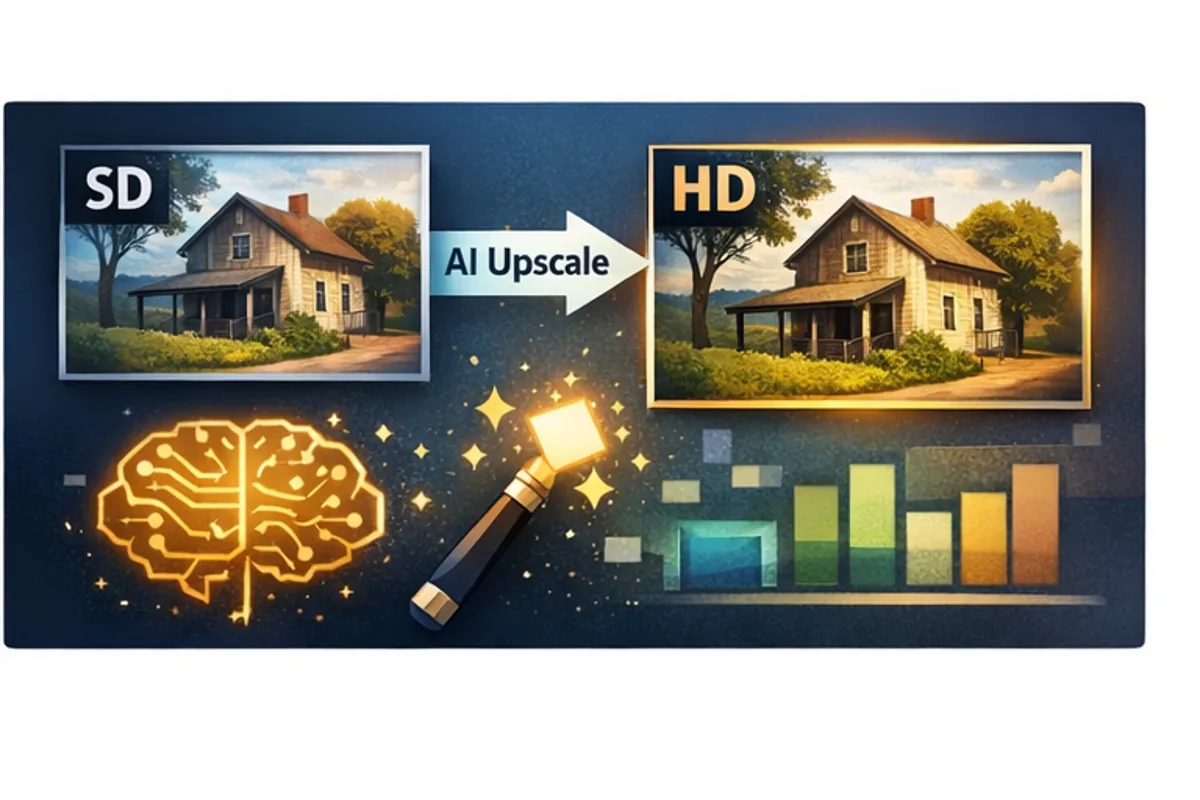
This is my current favourite work. Old or low-resolution footage, restored and upscaled using Topaz Video AI (Studio Pro) + DaVinci Resolve Studio.
What you get
- Noise reduction + detail recovery
- Clean upscaling with consistent look
- Short test clip first, then full processing
Proof
Before/after Shorts: ClassicCinemaUpscaled
These before/after Shorts are generated automatically using a parameterized FFmpeg-based batch workflow - identical framing, timing, and overlays every time, so comparisons stay fair and consistent.
(It’s easy to overpromise with AI. I prefer showing results.)
How it works
- We clarify the goal: formats, limits, and where the files need to end up.
- I run a sample: small subset (or short test clip for AI restoration) to confirm the output.
- We lock the workflow: once it matches the spec, I run the full batch.
- Delivery: finished outputs + notes (what was done / any issues spotted).
Goal: boring consistency. Same rules → same outputs.
Getting started
- 1-3 sample files (or 1 representative file)
- Target format + constraints (size limit, codec, fps, audio)
- Quantity / total size (GB/TB)
- Naming rules (or CSV mapping)
- Dropbox or Google Drive link (preferred)
Behind the scenes I may use automation/AWS for speed - but what you pay for is always: finished files.
FAQ
Do you “sell the solution”?
No - I deliver results (the processed files). My tooling runs on my side; you get the outputs.
Can you do “under X MB” exactly?
Yes, but it’s more iterative (retries/tuning). Message me for a custom quote - it’s not the same as normal conversion.
How do we transfer huge files?
Dropbox / Google Drive (preferred), but I’ll use your standard if you have one.
Contact
Send a short description of what you want to achieve. I’ll ask the right questions and propose the best approach.
Email: zoz.freelance@gmail.com
What typically happens next
- You send a short description and (ideally) a sample file
- I run a quick test or small batch to validate settings
- We confirm specs, constraints, and pricing
- Full batch processing
- Delivery + optional adjustments if needed